
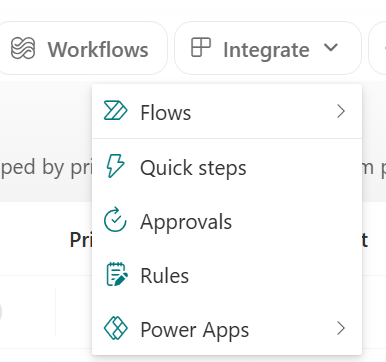
You can edit existing rules for a list or library from the Integrate menu and selecting Rules (if no rules have been created, you will see the Create a rule page).
- Starting from the list or library you want to edit a rule from, select Integrate and then Rules.
- To turn off the rule, select the On slider to turn it off.
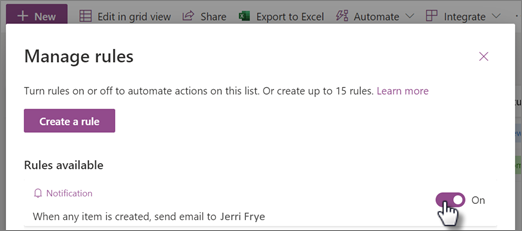
- To edit the rule, select the rule and then edit the underlined portions of the condition statement.
- When you're finished editing, select Save.